
How Small and Mid-Sized Businesses Can Connect Desk Booking Platforms to Hot Desking Signage
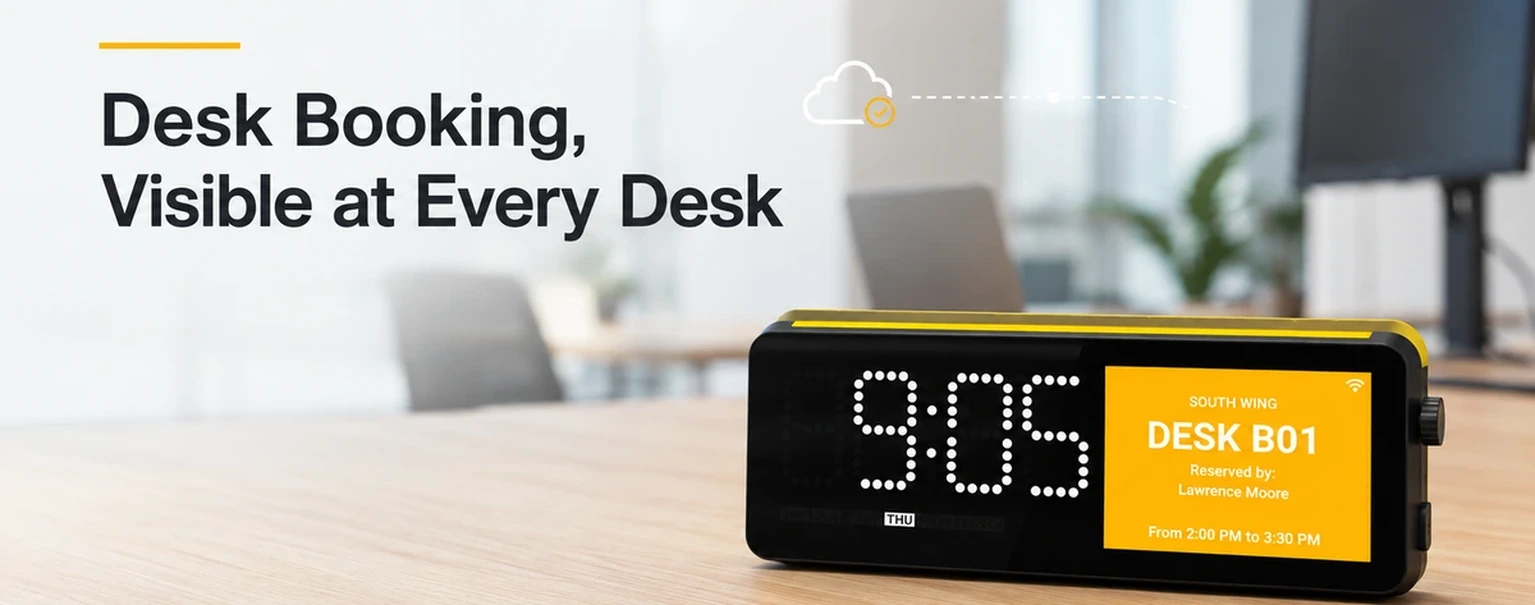
Shared desks only work when people can tell, at a glance, which spaces are available and which are already reserved. For small and mid-sized businesses, that visibility often breaks down between the booking platform and the physical desk.
Your team may already use Robin, Envoy, Nexudus, YAROOMS, or another workplace platform to reserve desks. But when someone arrives at the office, they still need a clear answer at the desk itself: is this space free, booked, being cleaned, or in use? Hot desking signage closes that gap.
Desk Booking Beyond the App
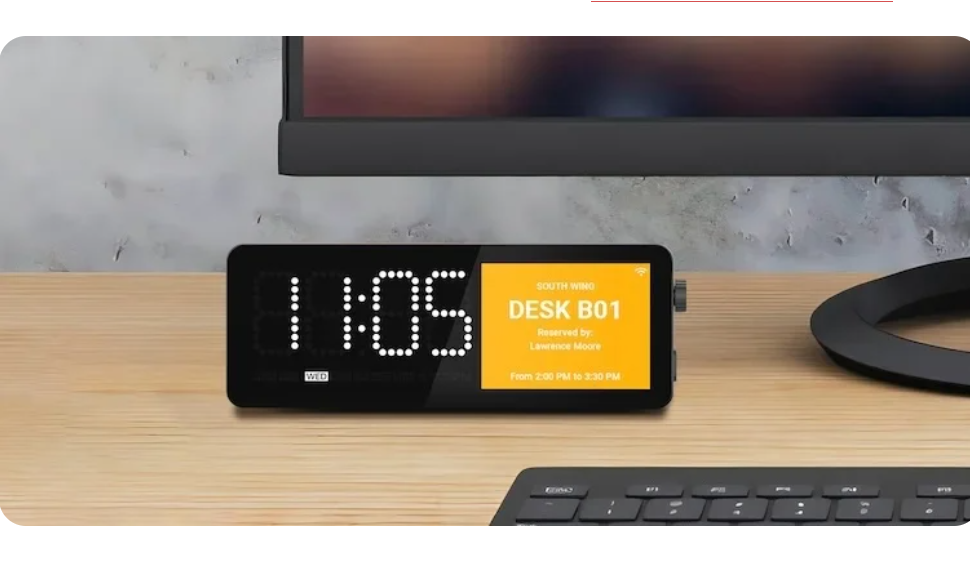
A booking system can make reservations easier to manage, but it does not automatically make the office easier to navigate. Employees may not check the app before choosing a seat. Guests and occasional office users may not have access to it. A desk can look empty while it is reserved for someone arriving later.
The result is familiar: people sit at the wrong desk, interrupt colleagues to ask where they should work, or leave a reserved workspace unused because nobody can see its status. These small moments add friction to a hybrid office.
Put booking status where decisions happen
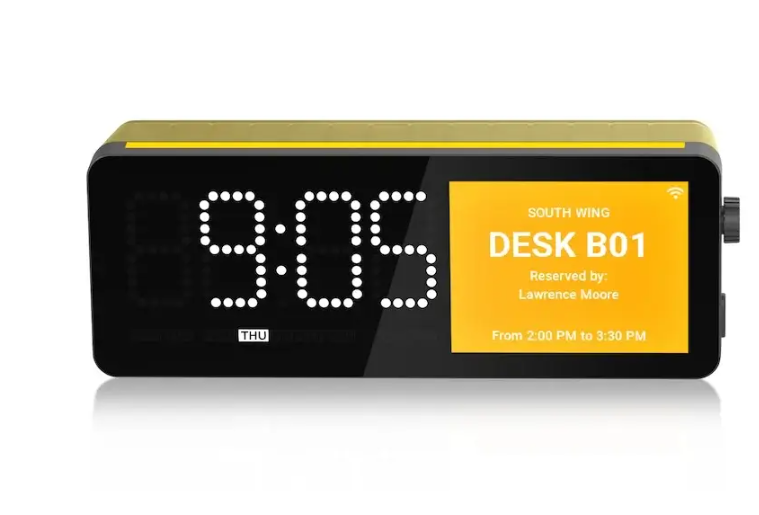
A hot desking sign displays desk information directly at the workspace. It can show states such as Available, Booked, Requires Cleaning, or customized text that matches your operating process. It can also act as a dynamic nameplate and support user-presence information.
Instead of asking employees to use a separate display or guess from an empty desk, the physical workspace communicates its own status. That makes the booking system useful at the moment a person decides where to sit.
How the integration works
SyncSign Hot Desking Signage connects with an existing workplace management or desk-booking platform through an API integration. The display checks the platform at set intervals—for example, every minute—and presents the latest booking information on screen.
This approach keeps the booking platform as the source of truth. Teams do not need to create a second reservation workflow just to update the sign. If your company uses a platform that is not already listed, SyncSign can discuss the integration requirements with your team.
What a better desk experience looks like
Consider a team that comes to the office two or three days each week. A colleague reserves a desk in the company’s booking platform before commuting. When they arrive, the desk sign already shows that it is booked and can display their name. Other employees immediately see which desks remain available.
When the reservation ends, the desk can return to an available state or show a cleaning status based on your workflow. The same information is visible to employees, facilities teams, and visitors without requiring each person to open the booking app.
A Better Shared Desk
For a hot-desking setup, finding the right desk is only the first step. Employees also need to get connected quickly. SyncSign Hot Desking Signage includes a USB-C multi-port hub designed for the desk: connect one USB-C cable to start charging, access Ethernet, and extend or mirror a display through HDMI.
The hub supports up to 90W power delivery, HDMI output up to 4K at 60Hz, and Ethernet speeds up to 1000Mbps. This gives a shared workspace a more consistent arrival experience: check the desk status, connect one cable, and start working.
Who benefits most
This setup is especially useful for organizations with a limited number of desks shared across a rotating workforce. It can fit offices with hybrid schedules, coworking areas, project teams that need temporary seating, and workplaces where facilities staff need a clearer view of desk readiness.
Office managers gain a visible layer of coordination. IT teams can retain the booking platform they already support. Employees spend less time checking availability and setting up their desk.
Start with the platform you already use
The best hot-desking rollout starts with the booking platform already in place. Identify the desk statuses your team needs to show, the update frequency that fits your operations, and the workstations where a connected desk setup would have the most value.
Explore SyncSign Hot Desking Digital Signage to review the product details.
Tell us which desk booking platform you use, and we’ll help evaluate the right integration approach for your office.