Looking for a Joan Alternative Without Monthly Subscription Fees?
As workplace platforms shift toward broader subscription-based suites, some teams may prefer a focused meeting room display solution without ongoing software fees.
That is especially true for small offices, schools, clinics, churches, nonprofits, and teams that already use Microsoft 365, Outlook, Google Calendar, or Exchange to manage room bookings. In many cases, they do not need a complete workplace platform. They simply need a clear, reliable meeting room display outside the door.
If you are comparing Joan alternatives because you want to avoid adding another monthly software subscription, SyncSign may be a better fit.
Why teams start looking for a Joan alternative
Joan is widely known in the meeting room display and workplace management space. Its product line has expanded beyond room displays into a broader workplace platform, including use cases such as room booking, desk booking, visitor management, parking, assets, and hybrid workplace operations.
That broader platform approach can be useful for organizations that need an all-in-one workplace suite. But not every team needs that level of software coverage.
For many smaller or budget-conscious organizations, the core requirement is much simpler:
- Show today’s room schedule at the door
- Make room availability visible
- Reduce interruptions and double bookings
- Connect with an existing calendar system
- Avoid unnecessary recurring software costs
If your team already manages bookings in Outlook, Microsoft 365, Exchange, or Google Calendar, the display should support your current workflow — not force you into a larger workplace software stack.
Subscription-based workplace platforms are not always the best fit
Joan’s public pricing page currently describes pricing based on people and devices using the platform, with plans starting at a monthly base subscription and additional users or devices added as the setup grows.
This model can make sense for organizations that actively use multiple workplace modules. However, if you only need meeting room schedule displays, subscription-based platform pricing may feel heavier than necessary.
Before choosing a room display solution, ask:
- Do we need desk booking, visitor management, parking, and asset booking?
- Or do we mainly need room schedules shown clearly outside meeting rooms?
- Will our display costs increase as we add more rooms or users?
- Are we comfortable paying software fees every month for a simple display use case?
- Can the solution work with our existing calendar system?
If the answer is “we mostly need room signs,” a focused solution like SyncSign is worth evaluating.
SyncSign: a focused meeting room display alternative
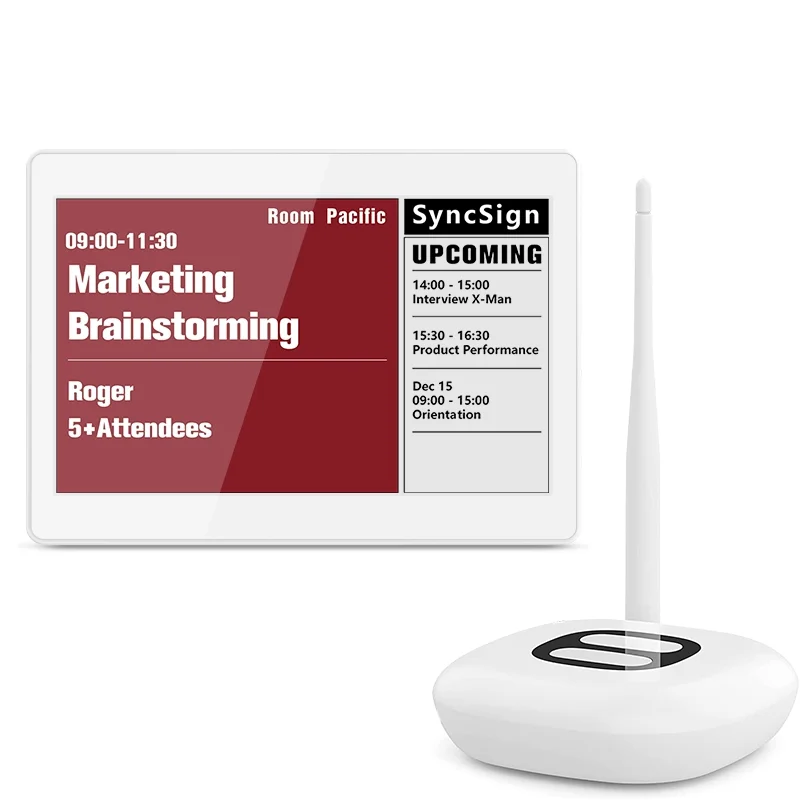
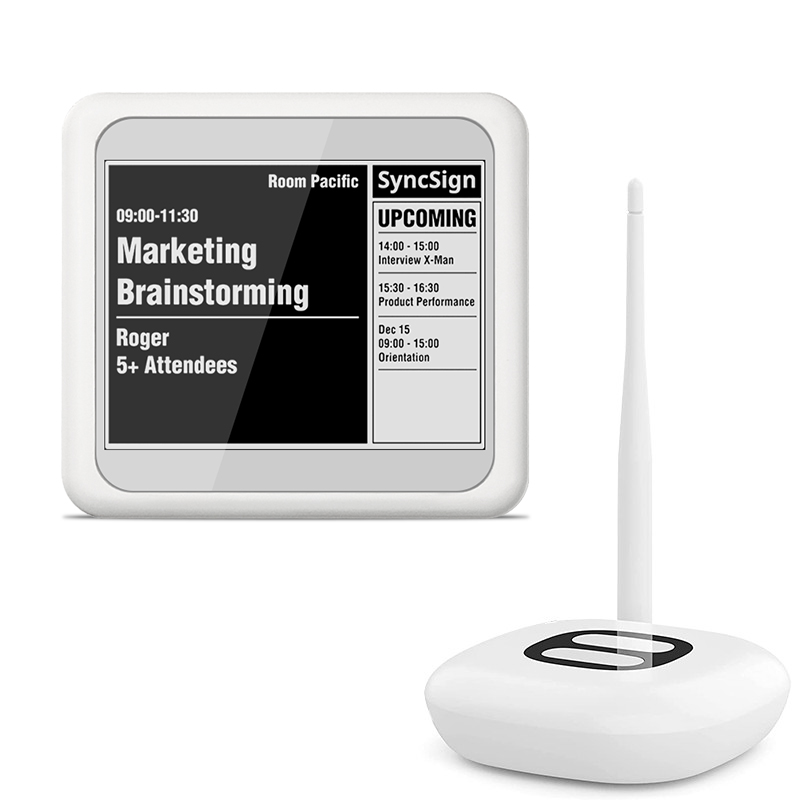
SyncSign is designed for meeting room schedule display and room signage. Instead of positioning itself as a full workplace management platform, SyncSign focuses on making room availability visible and easy to understand.
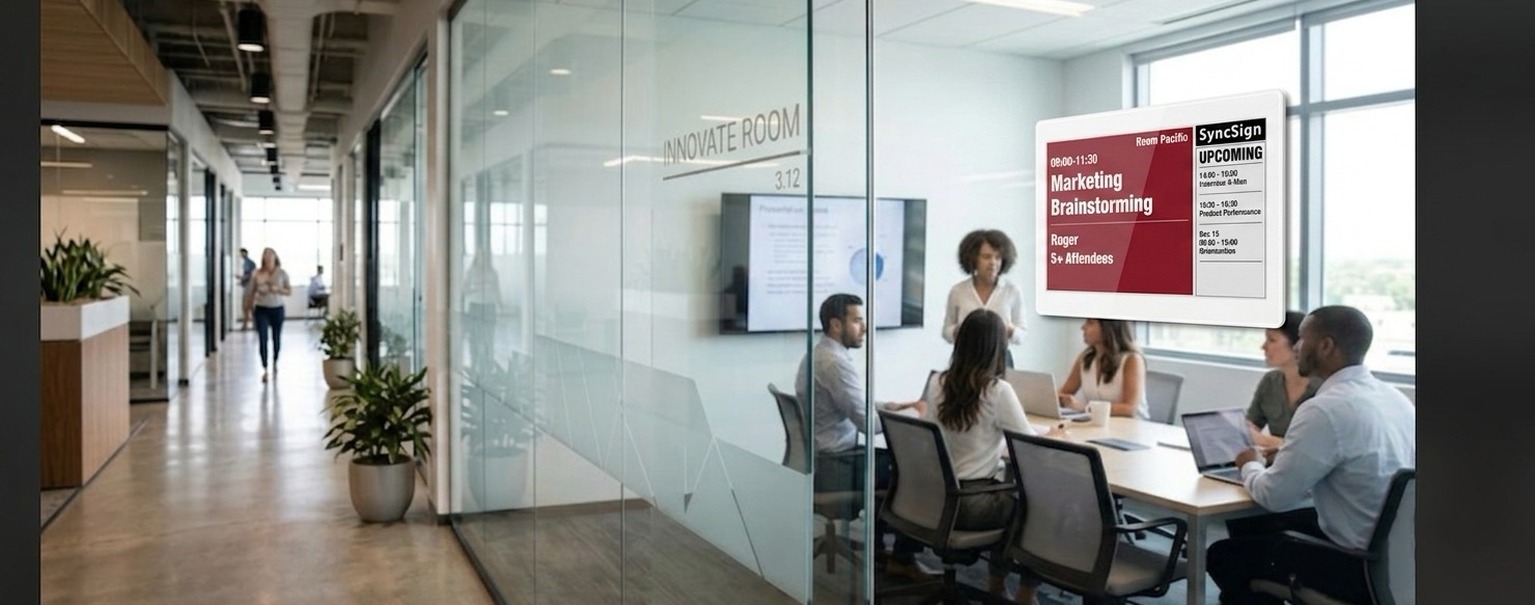
With SyncSign, teams can display room schedules from commonly used calendar systems and keep room status visible at the door. This helps employees, students, patients, visitors, and staff quickly understand whether a room is available, occupied, or booked later in the day.
For teams comparing a Joan alternative, the key difference is focus:
| Need | Broad workplace platform | SyncSign |
|---|---|---|
| Meeting room schedule display | Yes | Yes |
| Microsoft 365 / Outlook / Google Calendar integration | Yes | Yes |
| Desk booking / visitor / parking suite | Often included | Not the core focus |
| Best for | Larger workplace operations | Teams that mainly need room signage |
| Cost mindset | Platform subscription | Lower long-term TCO for focused room display needs |
SyncSign is not trying to replace every workplace management workflow. It is built for teams that want a practical meeting room display system without adding unnecessary software complexity.
Why “no mandatory subscription” matters for room signage
A monthly fee may look small at first, but room display systems are usually purchased for several years. As more rooms are added, recurring software fees can become a meaningful part of the total cost of ownership.
For example, a team may start with just a few conference rooms. Later, they may expand to classrooms, consultation rooms, shared offices, staff rooms, or coworking spaces. If each added display also increases the monthly software bill, the long-term cost can grow faster than expected.
That is why many teams search for terms like “Joan pricing alternative,” “Joan subscription alternative,” or “meeting room display without monthly fees.” They are not necessarily looking for fewer features. They are looking for a more appropriate cost structure for a simple use case.
SyncSign offers a free software plan for core room display usage, with optional paid plans for teams that need higher update limits, more advanced customization, or additional support. This gives organizations a more flexible path: start with the essentials, then upgrade only if the use case requires it.
When SyncSign is a strong Joan alternative
SyncSign may be a strong fit if your organization:
- Already uses Microsoft 365, Outlook, Exchange, or Google Calendar
- Needs room schedules displayed outside meeting rooms
- Wants to reduce double bookings and hallway interruptions
- Does not need a full workplace platform
- Wants to control long-term recurring software costs
- Prefers a simple room display system that can scale room by room
This is common in small offices, schools, clinics, churches, libraries, nonprofits, and professional service firms. These teams often need a reliable visual schedule at the door, but they do not always need a complete hybrid workplace software suite.
SyncSign vs. Joan hardware comparisons
If you are also comparing display hardware, you may want to read our existing article: Best Joan 6RE Alternative: SyncSign 7.5-Inch e Paper Display.
That article focuses more on device-level comparison. This article focuses on a different question: whether your organization wants a broader workplace subscription platform, or a focused meeting room display solution with lower long-term software cost.
Both questions matter. Hardware affects the installation experience, readability, power usage, and maintenance. Software pricing affects what the system costs over one, three, or five years.
Choose the room display solution that matches your real need
There is no single best solution for every organization.
If your team needs an all-in-one workplace platform for rooms, desks, visitors, parking, and assets, a broader subscription-based suite may be worth considering.
But if your main goal is to show meeting room schedules clearly outside the door, SyncSign offers a more focused alternative. It helps teams connect their existing calendar workflow to easy-to-read room displays, without making a full workplace platform subscription the default starting point.
For many organizations, that simpler approach can reduce software overhead, lower long-term cost, and keep the meeting room experience easy for everyone.
Ready to compare?
Explore SyncSign meeting room displays and see whether a focused room signage system is a better fit for your team.
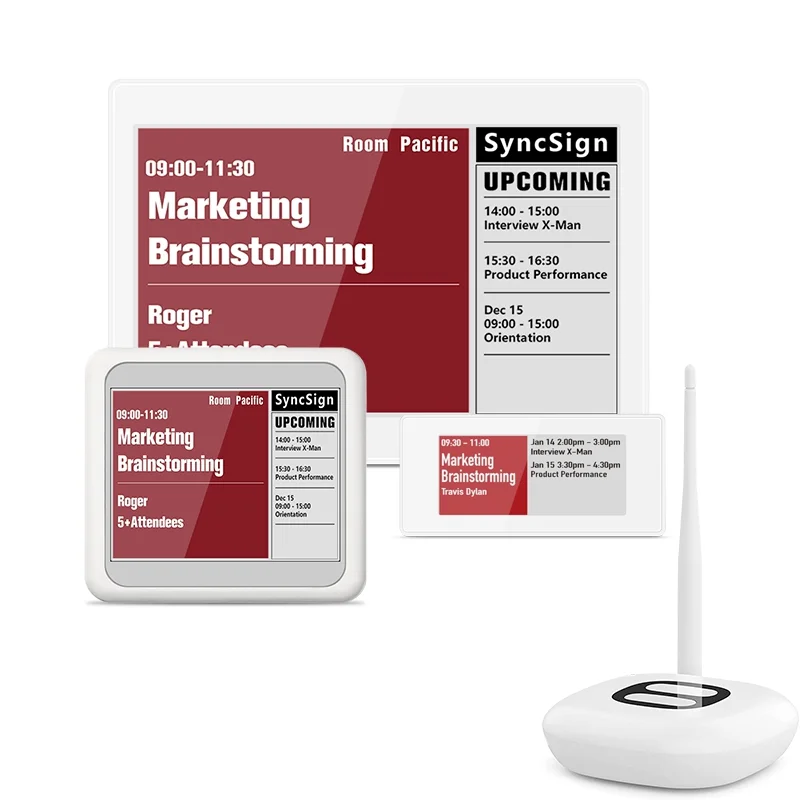
Choose the SyncSign package that fits your rollout
Start with the display sizes your meeting rooms need and scale without adding unnecessary workplace software.