The meeting room display subscription cost can look small at first. A monthly software fee may seem easy to approve when you only compare the starting price of different room display solutions.
But meeting room displays are not usually bought for a few months. They are installed outside meeting rooms, used every workday, and expected to stay in place for several years.
That is why the real question is not only “How much does this meeting room display cost today?”
A better question is: “What will this room display system cost over one, three, or five years?”
As workplace platforms shift toward broader subscription-based suites, some teams may prefer a focused meeting room display solution without ongoing software fees. If your organization mainly needs a meeting room schedule display at the door, the subscription model deserves a closer look.
Why room display subscription cost matters
Many workplace software platforms now bundle multiple functions into one system: room booking, desk booking, visitor management, parking, asset booking, workplace signage, analytics, and more.
For organizations that need the full workplace suite, that can be useful.
But many offices have a simpler requirement:
- Show whether a meeting room is available or occupied
- Display the current and next meeting
- Use a meeting room calendar display outside the door
- Sync with Microsoft 365, Office 365, Outlook, Exchange, or Google Calendar
- Reduce interruptions and double bookings
- Keep the setup easy for employees and admins
If that is your main use case, paying every month for a broader platform may increase the long-term cost of a simple meeting room sign or room booking display project.
The monthly fee is only the starting point
A subscription-based room display system often includes a base platform fee, and the cost may increase as you add more users, displays, locations, or advanced features.
For example, Joan’s current public pricing page describes plan-based pricing with plans starting at €49 per month, plus additional users or device licenses as a setup grows. That model may fit teams using Joan as a broader workplace platform.
However, if your goal is simply to connect a calendar to meeting room signs, it is worth separating two questions:
- Do we need a full workplace platform?
- Or do we need reliable room displays that sync with our existing calendar system?
The answer changes how you should think about total cost of ownership.
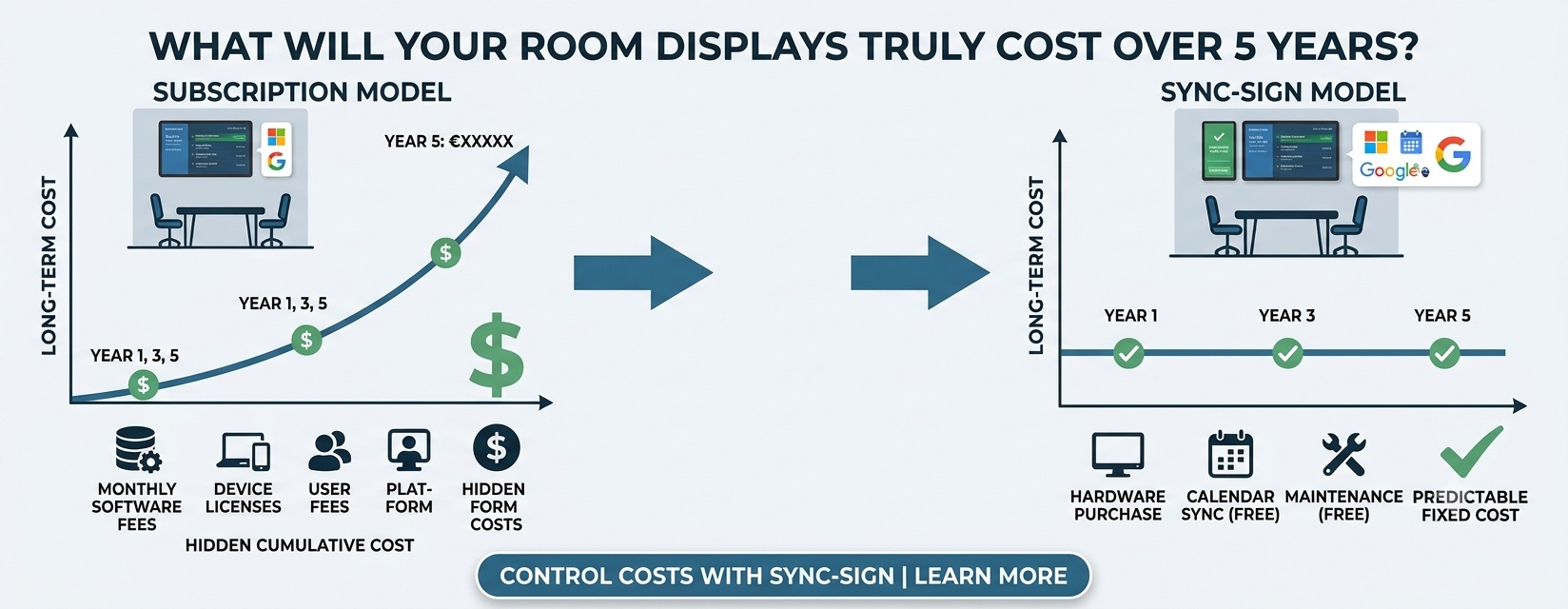
A simple TCO example: 1 year vs. 3 years vs. 5 years
Even before hardware, installation, taxes, or support, recurring software fees accumulate over time.
Here is a simple way to calculate room display subscription cost:
Monthly subscription fee × 12 months × number of years = long-term software cost
| Monthly software fee | 1-year cost | 3-year cost | 5-year cost |
|---|---|---|---|
| €49/month | €588 | €1,764 | €2,940 |
| €99/month | €1,188 | €3,564 | €5,940 |
| €149/month | €1,788 | €5,364 | €8,940 |
This does not mean every subscription model is wrong. It means teams should compare the long-term cost, not only the monthly starting price.
A fee that looks manageable at the beginning can become a significant part of the project cost after several years.
Device licenses can change the calculation
Room display systems often scale by the number of rooms. A company may start with two meeting rooms, then expand to five, ten, or more.
If additional displays require additional monthly device licenses, each room can add recurring cost over the full life of the system.
For example:
| Added monthly device fee | Added 1-year cost | Added 3-year cost | Added 5-year cost |
|---|---|---|---|
| €9.99/month for 1 device | €119.88 | €359.64 | €599.40 |
| €9.99/month for 5 devices | €599.40 | €1,798.20 | €2,997.00 |
| €9.99/month for 10 devices | €1,198.80 | €3,596.40 | €5,994.00 |
Again, the exact cost depends on the vendor’s plan, included devices, payment term, and selected features. But the direction is clear: recurring room display subscription cost increases with time, and sometimes with every additional display.
That matters for offices, schools, clinics, churches, nonprofits, and small businesses that need clear room signage but do not want a growing software bill.
What buyers are really looking for
Search intent around meeting room displays is often very practical. Buyers are not only searching for a “workplace platform.” They are often looking for a specific display use case, such as:
- meeting room schedule display
- meeting room calendar display
- meeting room door display
- room booking display
- conference room availability display
- Google Calendar conference room display
- Office 365 conference room scheduling display
- e ink meeting room display or ePaper room signage
These searches usually point to a focused need: make room availability visible, connect to the calendar, and help people find the right room without adding a complicated new workflow.
If that is the problem you are solving, the total cost should be evaluated around the display use case — not around a larger suite you may not fully use.
When a subscription platform makes sense
A subscription-based workplace platform can be a good fit if your organization wants to manage many workplace workflows in one system.
For example, it may make sense if you need:
- Desk booking across multiple offices
- Visitor management and check-in workflows
- Parking or asset booking
- Workplace analytics across many teams
- Centralized scheduling digital signage and communication tools
- Employee mobile apps for daily workplace planning
In that case, a broader platform may deliver value beyond the meeting room display itself.
The risk is choosing a broader platform when your actual need is much narrower.
When a no-monthly-fee room display is a better fit
A no-monthly-fee meeting room display solution can be a better fit when your team already has a calendar system and only needs a clear display outside each room.
This is common for teams using:
- Microsoft 365, Office 365, or Outlook room calendars
- Google Calendar room resources
- Exchange calendars
- Existing meeting room booking workflows
In these cases, the room display should support the workflow you already use. Employees should be able to book meetings from the calendar tools they know, while the display shows the schedule at the door.
That is the main reason many buyers search for terms like “meeting room display without monthly fees,” “room display no subscription,” or “room display subscription cost.” They are not necessarily looking for fewer features. They are looking for a cost structure that matches a focused room display use case.
SyncSign: focused meeting room displays without ongoing software fees
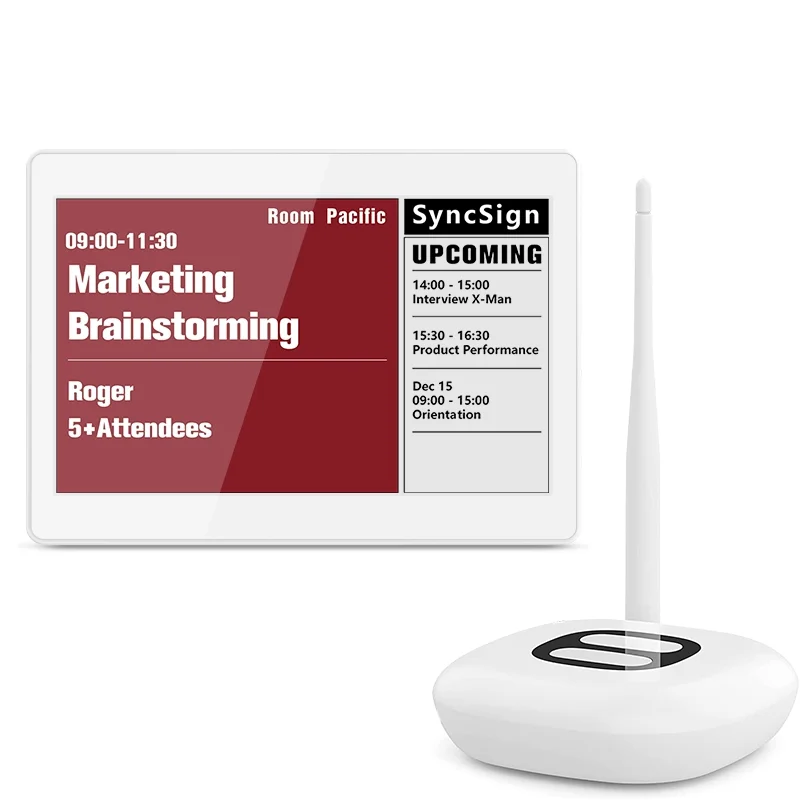
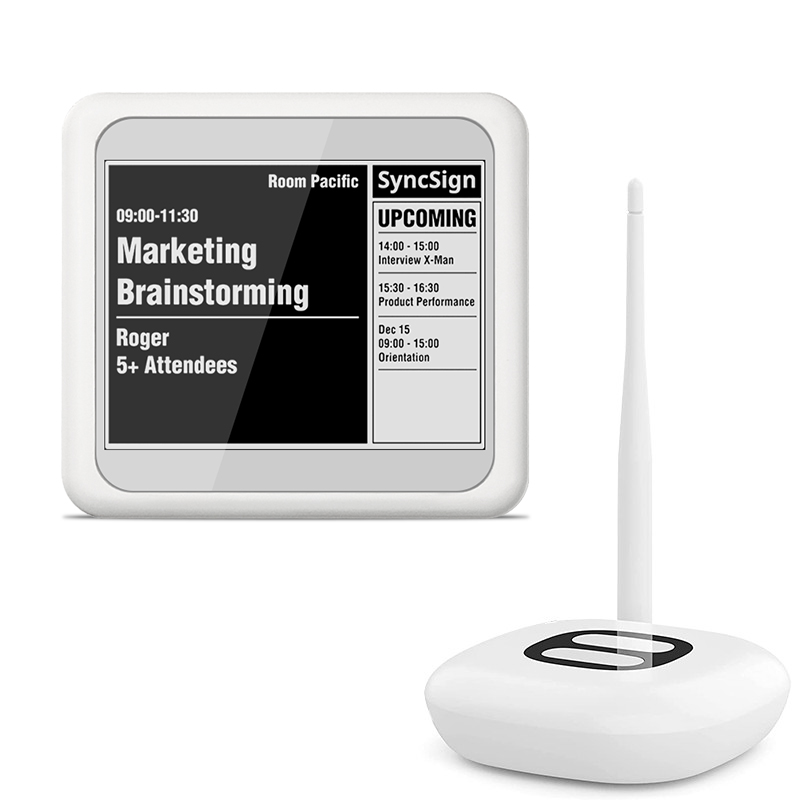
SyncSign is designed for teams that need practical meeting room schedule displays, not a full workplace platform subscription.
It focuses on the core room signage job:
- Display meeting schedules outside the room
- Show room availability clearly
- Connect with existing calendar systems
- Support Microsoft 365, Office 365, Outlook, Exchange, and Google Calendar workflows
- Use easy-to-read e-paper displays for office environments
- Avoid mandatory ongoing software subscription fees for core room display needs
This makes SyncSign a practical option for teams that want to lower long-term TCO while keeping the room booking experience simple.
Instead of paying a monthly software fee just to keep meeting room signs useful, teams can invest in the displays and use them with their existing calendar setup.
How to compare room display TCO before buying
Before choosing a meeting room display system, ask each vendor these questions:
- Is there a mandatory monthly or annual software fee?
- Are device licenses charged per display?
- Are users charged separately?
- Are important room display features locked behind higher plans?
- Does the system work with our existing Microsoft 365, Office 365, Outlook, Exchange, or Google Calendar setup?
- What happens if we add more rooms later?
- What is the total software cost over 1, 3, and 5 years?
A good comparison should include both upfront hardware cost and long-term software cost. For many meeting room display projects, the recurring software fees are what change the TCO most over time.
Choose the cost model that matches your real use case
If your organization needs a complete workplace platform, a subscription suite may be worth evaluating.
But if your main goal is to show meeting room schedules clearly outside the door, you may not need a broad workplace subscription. You may only need a reliable room display system that connects to the calendar tools your team already uses.
In that case, the lowest-risk choice is often the one with simpler long-term cost.
SyncSign helps teams set up meeting room schedule displays without mandatory monthly software subscription fees for core room signage needs — making it easier to control total cost over the full life of the system.
CTA
Want to compare the long-term cost of your meeting room display project?
Explore SyncSign meeting room displays and see how a focused, no-monthly-fee room signage system can work with your existing calendar setup.
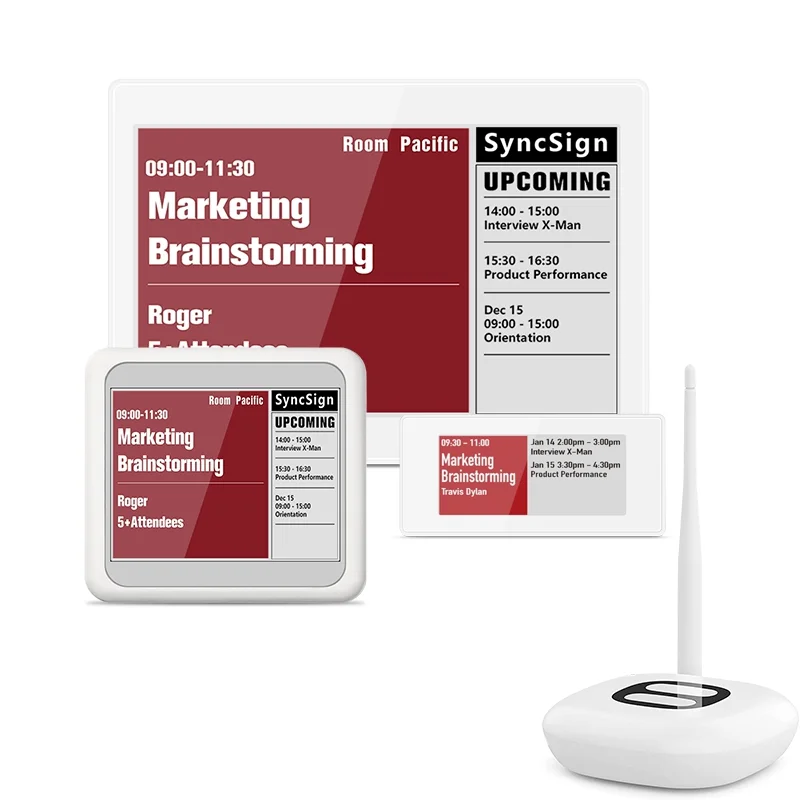
Choose the SyncSign package that fits your rollout
Start with the display sizes your meeting rooms need and scale without adding unnecessary workplace software.