Meeting Room Signs Without Monthly Fees: What Small Offices Should Know
A meeting room sign has a simple purpose: show whether a room is available, what is happening now, and what is scheduled next. However, choosing a room-sign system can become complicated when monthly software plans, device licenses, and user fees are added.
Large organizations may need a complete workplace platform that combines room booking, desk reservations, visitor management, and analytics. Small offices often have a narrower requirement. They may already use Microsoft 365, Outlook, Exchange, or Google Calendar and only need to display the existing room schedule outside the door.
In that situation, meeting room signs with no monthly fee may offer a simpler and more predictable cost model.
Why small offices use meeting room signs
Room-booking confusion can happen anywhere people share a limited number of spaces. Common problems include:
- employees opening a door to check whether a room is occupied;
- two groups assuming the same room is available;
- visitors struggling to find the correct meeting room;
- staff checking a calendar on a phone while standing in the hallway;
- paper signs becoming outdated after a schedule changes.
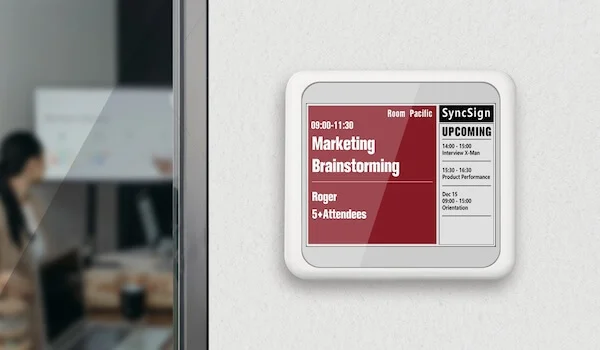
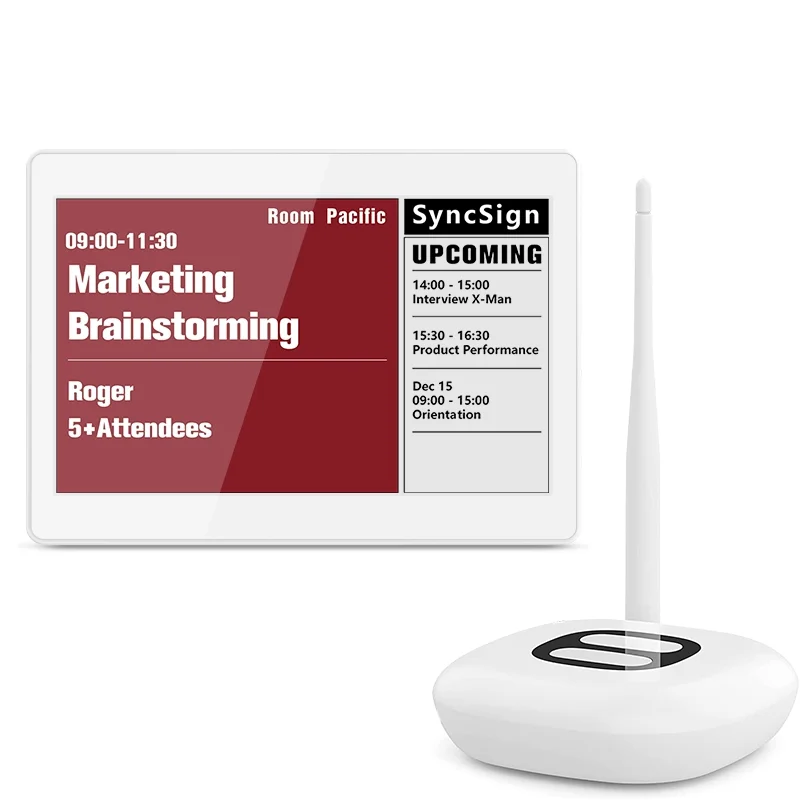
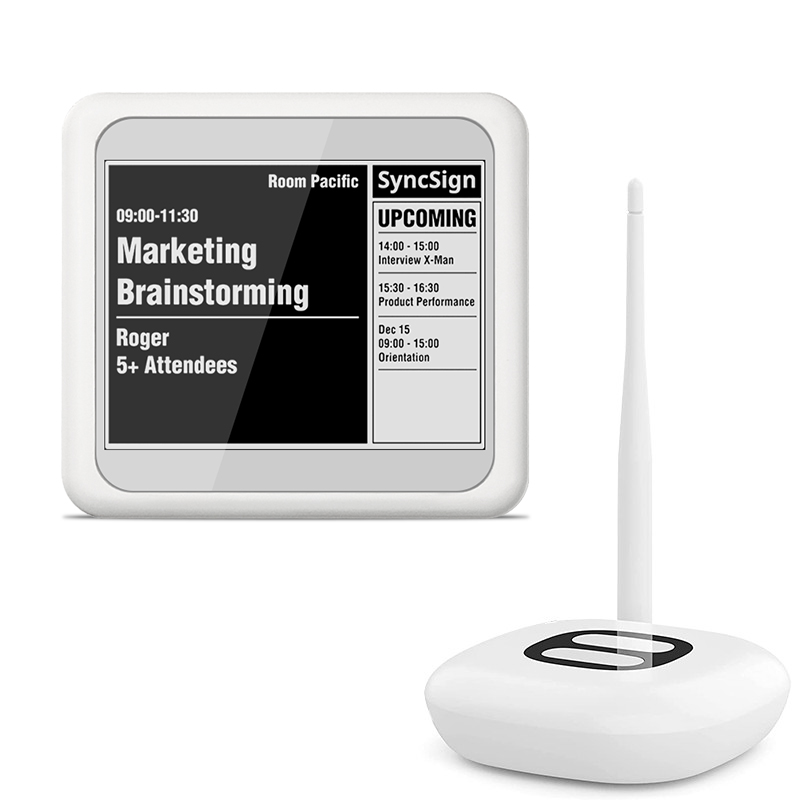
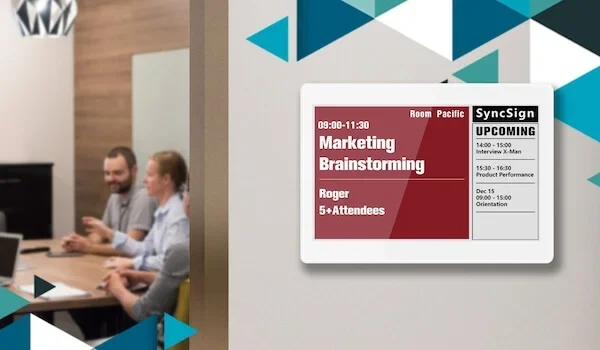
A meeting room door display puts scheduling information where people need it. Depending on the configuration, it can show the room name, availability, current meeting, and next meeting.
For an office with only a few rooms, this may be enough. The organization does not necessarily need to replace its calendar or adopt a broader workplace-management platform.
What “no monthly fee” should mean
“No monthly fee” can mean different things, so buyers should confirm exactly what is included.
Ask whether there is a mandatory recurring charge for:
- connecting room signs to calendars;
- using the management portal;
- licensing each display;
- adding users or administrators;
- accessing core integrations, templates, or updates.
Also consider one-time and optional costs such as displays, hubs or gateways, mounting accessories, batteries, installation, shipping, and support.
A no-subscription room-sign solution still has an upfront purchase cost. The difference is that its core room-sign functionality does not depend on a mandatory monthly software payment. This can make long-term budgeting easier for smaller organizations.
When a no-subscription room sign is a good fit
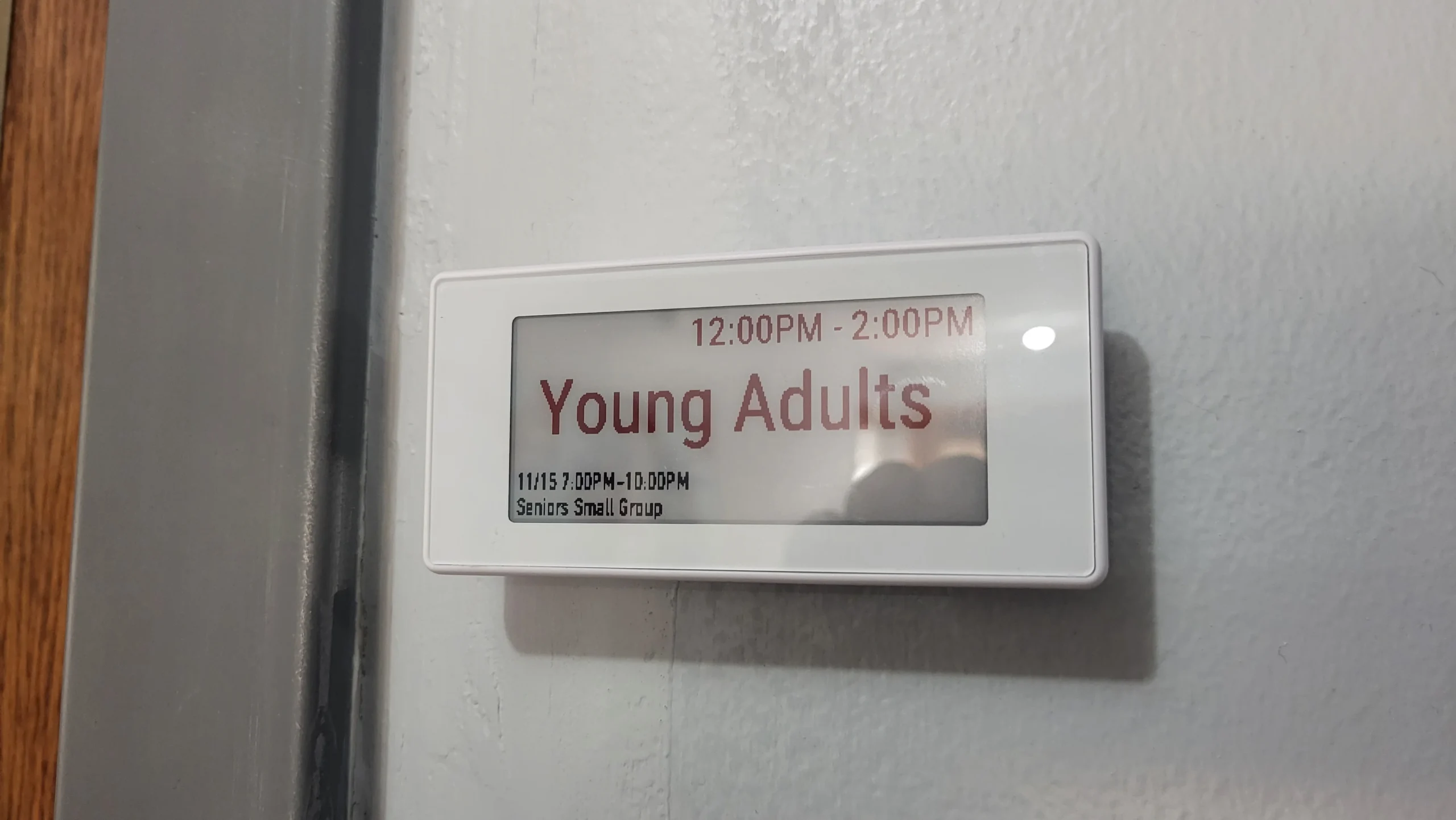
A focused room-sign solution may suit small businesses, schools, training centers, clinics, professional offices, churches, community organizations, and nonprofits. These organizations may want clear room signage without paying for workplace features they will not use.
A subscription platform may still be the better option if the organization also needs desk booking, visitor check-in, parking or asset reservations, employee apps, workplace analytics, or centralized management across many locations.
The goal is not to decide that one pricing model is always better. It is to choose a system whose functions and long-term cost match the actual requirement.
Five things to check before choosing meeting room signs
1. Calendar compatibility
Confirm that the system supports your specific Microsoft 365, Office 365, Outlook, Exchange, or Google Calendar environment. Calendar integrations and authentication requirements can differ, so compatibility should be verified before purchase.
2. Total cost over several years
Compare the complete cost over one, three, and five years. Include hardware, required accessories, installation, mandatory licenses, support plans, and fees for adding more rooms or users.
This provides a fairer comparison between a one-time-purchase solution and a subscription platform. For a closer look at recurring costs, read The Real Cost of Meeting Room Display Subscription Fees.
3. Installation and maintenance
Check whether each display requires permanent power, Ethernet, Wi-Fi, a hub, or another communication method. Also consider mounting surfaces and who will configure displays, replace batteries, and maintain the system.
Battery-powered e-paper room signs can be useful where running power cables to every door is inconvenient. Actual battery life depends on the device, refresh frequency, environment, and usage.
4. Display content and privacy
Decide what employees need to see, such as the room name, available or occupied status, current and next meeting, start and end times, and privacy-conscious meeting details.
Because room signs are visible in hallways, organizations should also decide whether meeting titles, organizers, or attendee information should appear.
5. Expansion costs
A small office may add rooms later. Ask whether each new display requires another device license, subscription tier, gateway, or management fee.
Why e-paper works well for room signage
E-paper is suitable for information that remains visible but does not change every second. It keeps an image on screen without continuous power and uses energy when the display refreshes.
For small offices, this can reduce the need for power cabling, provide clear paper-like visibility, support flexible placement on walls or glass, and keep day-to-day power requirements low.
E-paper is not ideal for every application. If a project requires video, rapid animation, or frequent touchscreen interaction, an LCD or tablet-based panel may be more appropriate.
SyncSign for focused room signage
SyncSign is designed for organizations that want to display meeting schedules from their existing calendar environment. Its core meeting room signage use case does not require mandatory ongoing software subscription fees.
It provides a focused alternative for teams that want clear schedules at the room door without adopting a broader workplace suite.
SyncSign can help teams:
- show room schedules and availability outside the door;
- use low-power e-paper displays;
- connect with supported calendar environments;
- install wireless displays without running a power cable to every screen in suitable deployments;
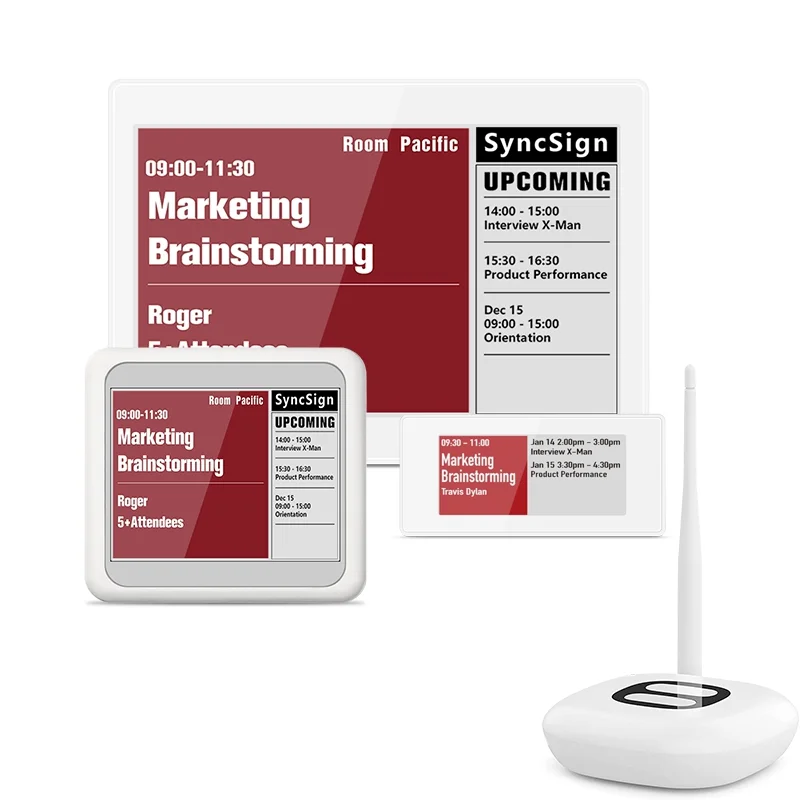
- choose different display sizes and templates for room-sign applications.
Organizations should still confirm the required display model, hub or gateway, accessories, calendar configuration, and optional services for their project.
Choose the system that matches the need
Small offices do not always need a complete workplace suite. They may only need a reliable meeting room calendar display that works with their existing booking process.
Meeting room signs with no monthly fee can be a practical option when an organization wants predictable costs and focused room-sign functionality. Before buying, compare the full long-term cost and verify calendar, installation, privacy, and expansion requirements.
If the main goal is simply to make room schedules visible, a focused e-paper room sign may be enough.
Need clear meeting room signs without a mandatory monthly software fee?
Explore SyncSign and see how a focused e-paper room-sign system can work with your existing calendar setup.