The Hidden Cost of Bundled Workplace Software: Pay Only for the Meeting Room Display You Need
All-in-one workplace software can be valuable. A single platform may combine meeting room booking, desk reservations, visitor management, parking, assets, digital signage, and analytics.
But a broader platform is not automatically a better fit for every organization. If your actual requirement is simply to use a meeting room calendar display to show Microsoft 365, Outlook, Exchange, or Google Calendar schedules outside meeting rooms, the more important question is: what are you paying for over the full life of the system?
The answer includes more than the advertised subscription. Device licenses, user tiers, rollout work, administration, integrations, and future pricing changes can all affect total cost of ownership.
Bundled does not always mean wasted
It is important to distinguish between a platform that makes many capabilities available and one that charges separately for every unused feature.
Joan’s current public pricing page describes an all-inclusive workplace platform with room booking, desk booking, visitor management, parking and asset reservations, digital signage, and analytics. It also states that customers can start with one solution and that inactive solutions do not add cost. At the same time, its published model includes a base subscription plus charges tied to active users and registered devices.
That distinction matters. The issue is not simply whether a platform contains features you do not use. The real issue is whether the platform’s base fee, licensing structure, operating model, and expansion costs make sense for a room-display-only deployment.
Pricing and package terms can change. Buyers should verify the latest details directly on the provider’s official pricing page before making a decision.
What one manufacturer learned from a meeting room display rollout
A multi-site manufacturer recently told us that it was satisfied with SyncSign and planned to replace dozens of its existing Joan displays with a focused meeting room door display solution gradually.
According to the customer, its original Joan subscription covered the function it actually needed: conference room booking and a reliable meeting room schedule display. After Joan changed its pricing model, the customer felt that visitor tracking, desk tracking, and other workplace functions had been packaged into a broader, higher-priced offer. Because those additional workflows were not part of its immediate requirement, the company no longer considered further investment worthwhile.
The company has several offices, but only its headquarters has a dedicated IT team. It prefers WiFi standalone operation and wants headquarters to prepare the displays before shipping them to other locations. This makes repeatable setup and low-touch deployment part of the buying decision, not just the subscription price.
The company therefore plans a phased replacement rather than changing every location at once. For a deployment involving dozens of doors, this approach lets the IT team validate calendar integration, network behavior, installation, and remote support before expanding.
This is one organization’s commercial experience, not evidence that every Joan customer receives the same pricing or package. It does, however, show why a modest recurring cost or broader commercial model can become important when multiplied across many displays and several years.
The costs that are easy to miss
1. Base subscriptions
A platform may require a minimum monthly or annual subscription even when only one function is active. Compare the minimum commitment with the value the organization expects to receive.
2. Per-device licenses
Meeting room display projects scale by doors, not only by employees. A per-device fee that seems small for three meeting rooms may look very different at 30, 60, or 100 rooms.
3. User tiers and administrative accounts
Some employees may book rooms directly through Outlook or Google Calendar and never need a separate workplace-platform account. Others may require portal or mobile-app access. Confirm exactly who counts as a paid user.
4. Hardware and infrastructure
Include each e ink meeting room display, hubs or gateways, mounting accessories, batteries, power, network changes, shipping, installation, and spare devices. A subscription-free system still has upfront and maintenance costs.
5. Deployment and migration work
Calendar configuration, security approval, device enrollment, templates, room mapping, testing, and user communication all consume time. For multi-site organizations, also include central preconfiguration, shipping, remote installation support, and the cost of repeating WiFi setup when required.
If devices will be prepared at headquarters and moved to offices using the same WiFi SSID and password, confirm reconnect behavior for the exact model and firmware before rollout. Do not assume that identical credentials eliminate every setup step.
6. Future expansion
Ask what happens when you add a building, another calendar environment, more administrators, or new displays. A pricing structure that works for a pilot may not remain economical at full rollout.
7. Pricing-model risk
Software vendors can change packages and prices over time. Procurement teams should review renewal terms, notice periods, export options, and the operational impact of switching providers.
All-in-one platform or focused room display?
| Consideration | All-in-one workplace platform | Focused room-display solution |
|---|---|---|
| Best fit | Organizations coordinating rooms, desks, visitors, assets, signage, and analytics | Organizations mainly displaying existing calendar schedules at meeting room doors |
| Software model | Usually subscription-based, often with plan, user, or device limits | May offer core room-sign functionality without a mandatory recurring software fee |
| Administration | One centralized workplace platform with broader workflows | Narrower scope and potentially simpler day-to-day management |
| Expansion | Easier when new workplace functions are needed | Cost-efficient when expansion mostly means adding room signs |
| Main risk | Paying a platform-level cost for a narrow use case | Needing another system later if broader workplace functions become necessary |
Neither model is universally better. A company using visitor check-in, desk booking, workplace analytics, and room scheduling may gain more value from an integrated platform. A school, clinic, church, professional office, or manufacturer that only needs reliable room schedules may benefit from a focused solution.
A practical five-year meeting room display comparison
Do not compare hardware price with one month of software. Build a complete model for the expected deployment period.
For each option, calculate:
- initial hardware and accessories;
- base subscription over the full term;
- user and device license fees;
- installation and calendar-integration work;
- central configuration, shipping, and remote deployment support;
- battery, power, network, and maintenance costs;
- support or professional-service fees;
- the cost of adding planned rooms;
- migration or replacement risk.
Then test at least three scenarios: the pilot size, the expected full rollout, and a higher-growth case. This makes the cost curve visible before the organization commits.
For a more detailed calculation framework, see The Real Cost of Meeting Room Display Subscription Fees.
Questions to ask before signing
- Is there a mandatory base subscription?
- Does every room display require a recurring device license?
- Which employees or administrators count as paid users?
- Can employees continue booking through Microsoft 365, Outlook, Exchange, or Google Calendar?
- Does the meeting room calendar display update reliably from the existing calendar?
- Are core integrations, templates, updates, and portal access included?
- What changes when we add 10, 50, or 100 displays?
- What happens to the displays if the software subscription ends?
Where SyncSign fits
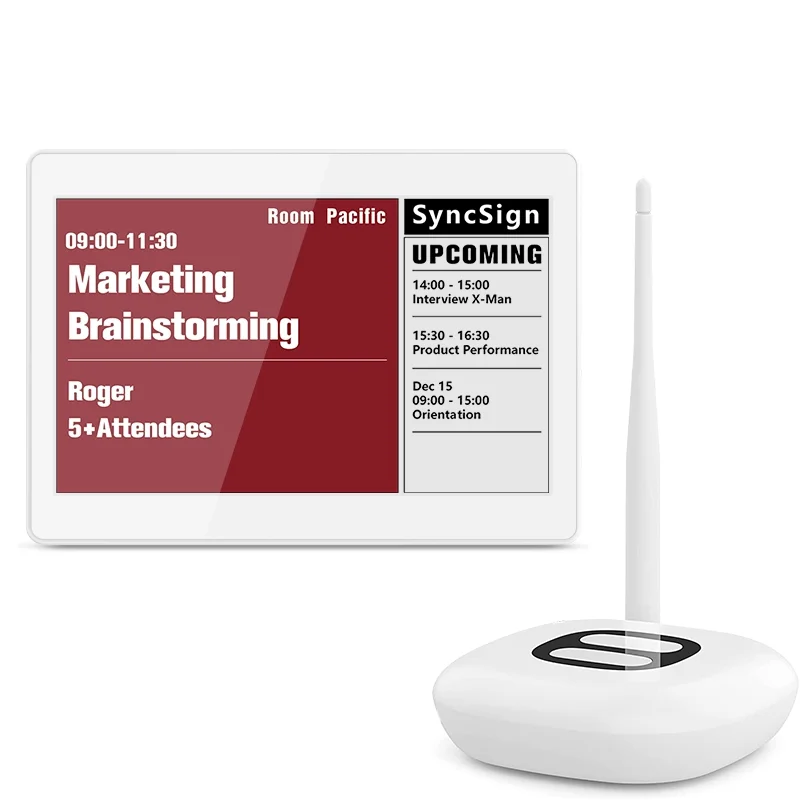
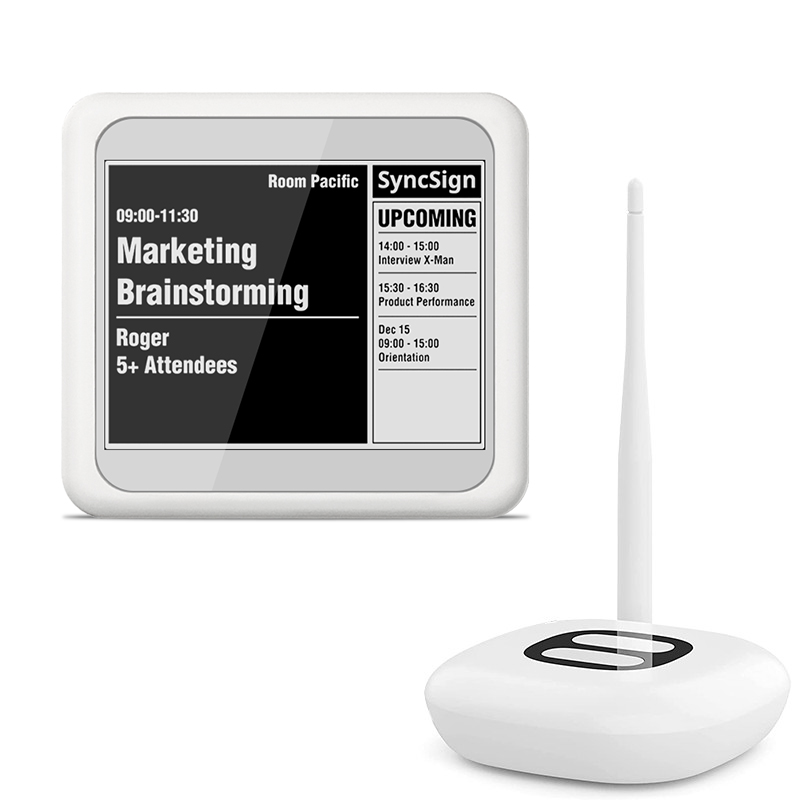
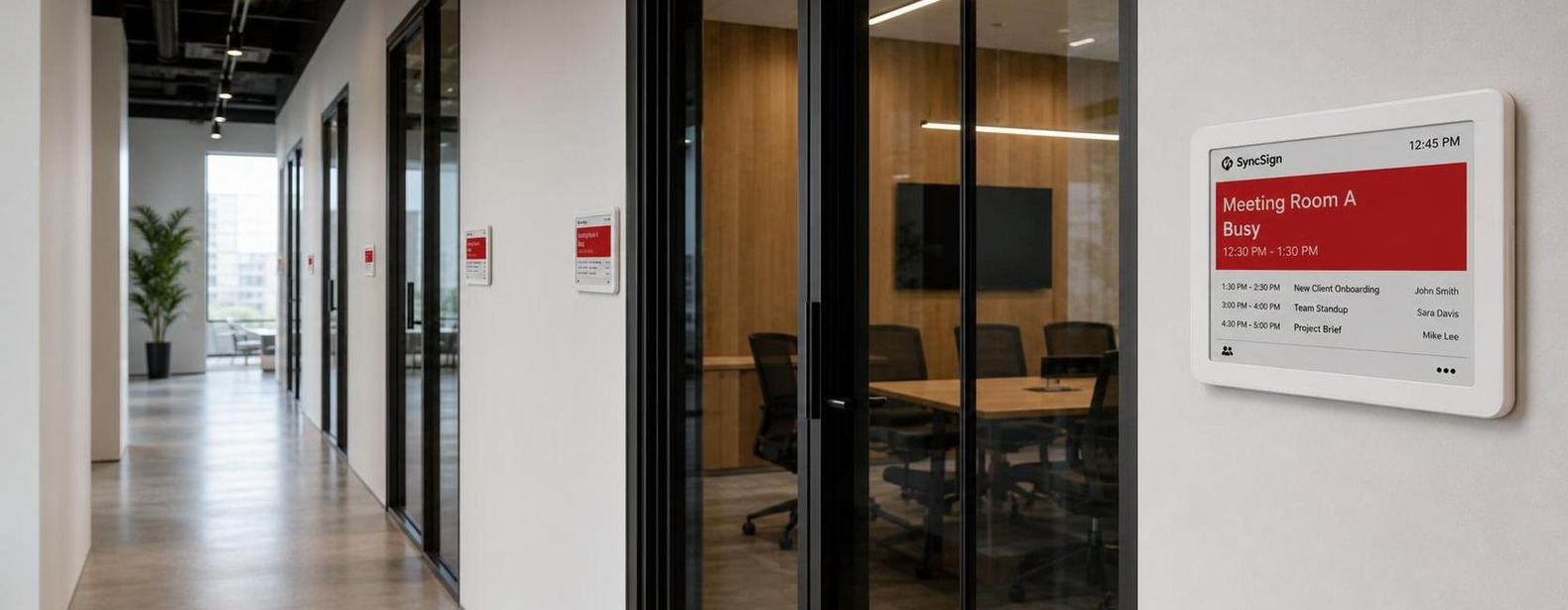
SyncSign is designed for organizations that want a focused meeting room booking display with schedules visible outside rooms while continuing to use a supported calendar environment. Its core meeting room signage use case does not require a mandatory ongoing software subscription fee.
A battery-powered conference room availability display can also reduce the need to run power cables to every door. Actual deployment requirements depend on the display model, hub or gateway, calendar environment, mounting method, refresh frequency, firmware, and site conditions.
A focused solution is not a reduced version of an all-in-one workplace suite. It is a different purchasing decision: prioritize reliable room information, predictable long-term cost, and the functions the organization will actually operate.
Buy for the requirement, not the feature count
A long feature list can be useful, but it should not replace a requirements review. Start with the workflow your employees need, the number of rooms you expect to support, and the cost model your organization can sustain.
If room schedules are the main requirement, compare focused displays with broader platforms on the same one-, three-, and five-year basis. The right solution is the one that meets the operational need without creating unnecessary cost or complexity.
Explore a focused meeting room display system
See how SyncSign can work as a meeting room sign and display schedules from your existing calendar environment without a mandatory monthly software subscription for its core room-sign use case.
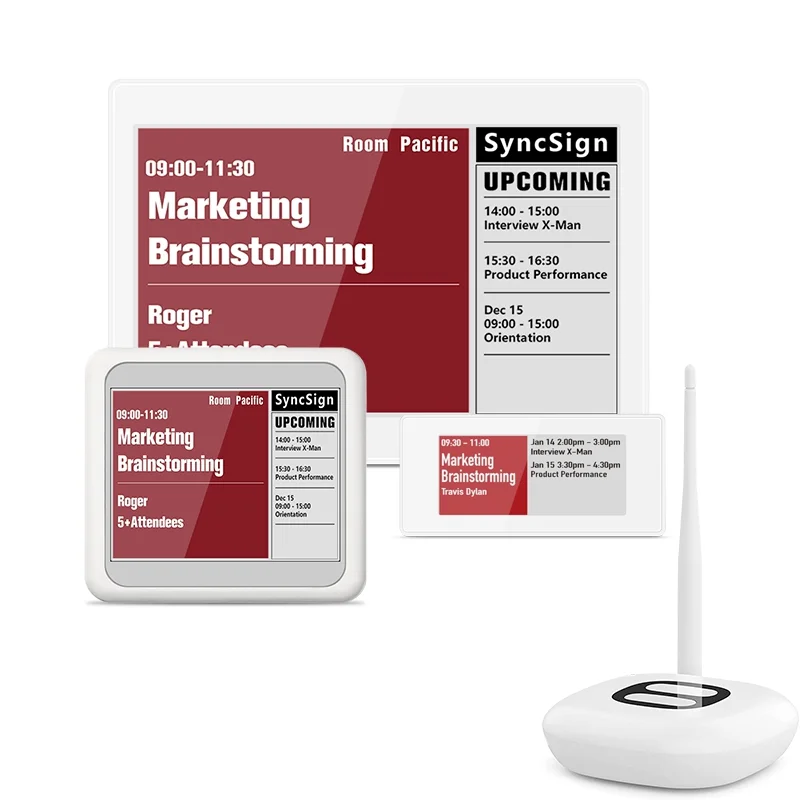
Choose the SyncSign package that fits your rollout
Start with the display sizes your meeting rooms need and scale without adding unnecessary workplace software.